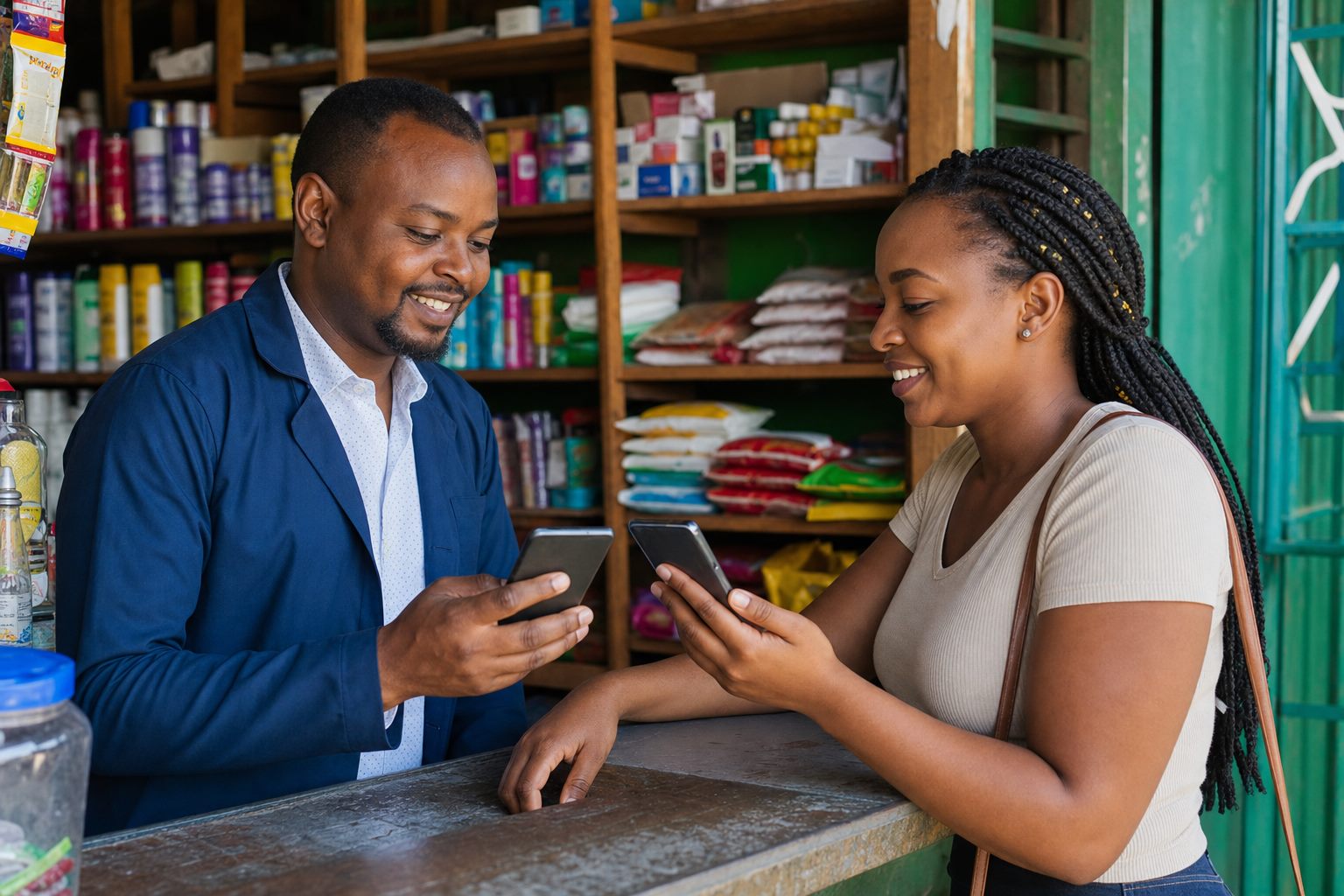
M-PESA integration
MPESA Integration for Paybill, Till and Payment Confirmation
Connect Paybill and Till payments to your website, POS or system through Daraja, so staff stop checking SMS by hand.



DIRECT ANSWER
MPESA integration connects payment events to business systems so teams can reduce manual confirmation, send acknowledgements and update records faster. It is suited to organizations that receive Paybill or Till payments and need a controlled solution around customer payment status.
Manual payment confirmation slows service delivery, creates reconciliation gaps and forces finance or support departments to search phone messages. Integration gives each payment a clearer path from callback to customer update and internal record.
Payment received
KES 12,500Transaction confirmedEnd-to-end connectivity between business systems, MobileSync gateways, service providers, and target users.
SOLUTION PLAN
Exact scope depends on verified access, technical requirements and compliance rules. These steps help your team prepare for a focused conversation.
Map the Paybill, Till, customer reference and fulfilment process.
Confirm API access, callback handling, security and test credentials.
Build and test payment notification, acknowledgement and reconciliation logic.
Launch with monitoring so failed callbacks or unmatched payments can be reviewed.
MPESA INTEGRATION AT A GLANCE
Protect Daraja credentials, validate every callback before trusting it, log failed or duplicate callbacks, and agree how reversals and unmatched payments are handled before going live.
PLANNING GUIDE
Start by documenting the current process, the people responsible for it and the result the organization needs to improve. Record message volumes, payment events, user journeys, approval steps, existing software and the exceptions staff handle manually. This gives MobileSync enough context to recommend a realistic MPESA Integration scope instead of a generic technology package.
Agree how success will be measured before launch. Useful measures include the share of payments matched automatically, time from payment to confirmation, unmatched payments per week and the support calls removed. A focused first release makes it easier to test assumptions, protect customer data and decide what should be automated next.
CHANNEL COMPARISON MATRIX
| Solution | Who it reaches | What it needs | Primary Business Use Case |
|---|---|---|---|
| Bulk SMS | Every mobile phone | No internet needed | Urgent alerts, payment reminders, parent notices, OTPs |
| M-PESA Integration | All M-PESA customers | Automated API callbacks | Fee confirmation, Paybill reconciliation, disbursements |
| POS System | Every till and branch | Counter devices with internet sync | Sales, stock, receipts and M-PESA payments at checkout |
| ISP Billing | All subscribers | Connects to MikroTik routers | Monthly plans, renewals, suspension and reconnection |
| Bulk WhatsApp | Smartphone users | Mobile data required | Customer care, catalogues, media updates, two-way chat |
| USSD Services | Feature phones included | No internet, works on 2G | Member self-service, balance checks, farmer registration |
| Custom Portals & CRM | Staff and customers | Cloud-hosted system | Central records, automated workflows, custom reporting |
SEE THE WORKFLOW
Move through the examples to see the customer experience, planning process and connected system behind the service.
FAQS
Short answers for decision makers who need clarity before booking a demo or consultation.
RELATED SOLUTIONS
Compare complementary solutions when your challenge crosses messaging, payments, mobile access or systems.


GET STARTED
Tell us about your project goals. Our solutions team will review your requirements and provide a personalized recommendation.